What do you want to create today?
Describe a piece and we design it, or pick a tool below.
Or start from a tool
9 tools · design, style, prepStart from your idea
Create and explore the piece itself.
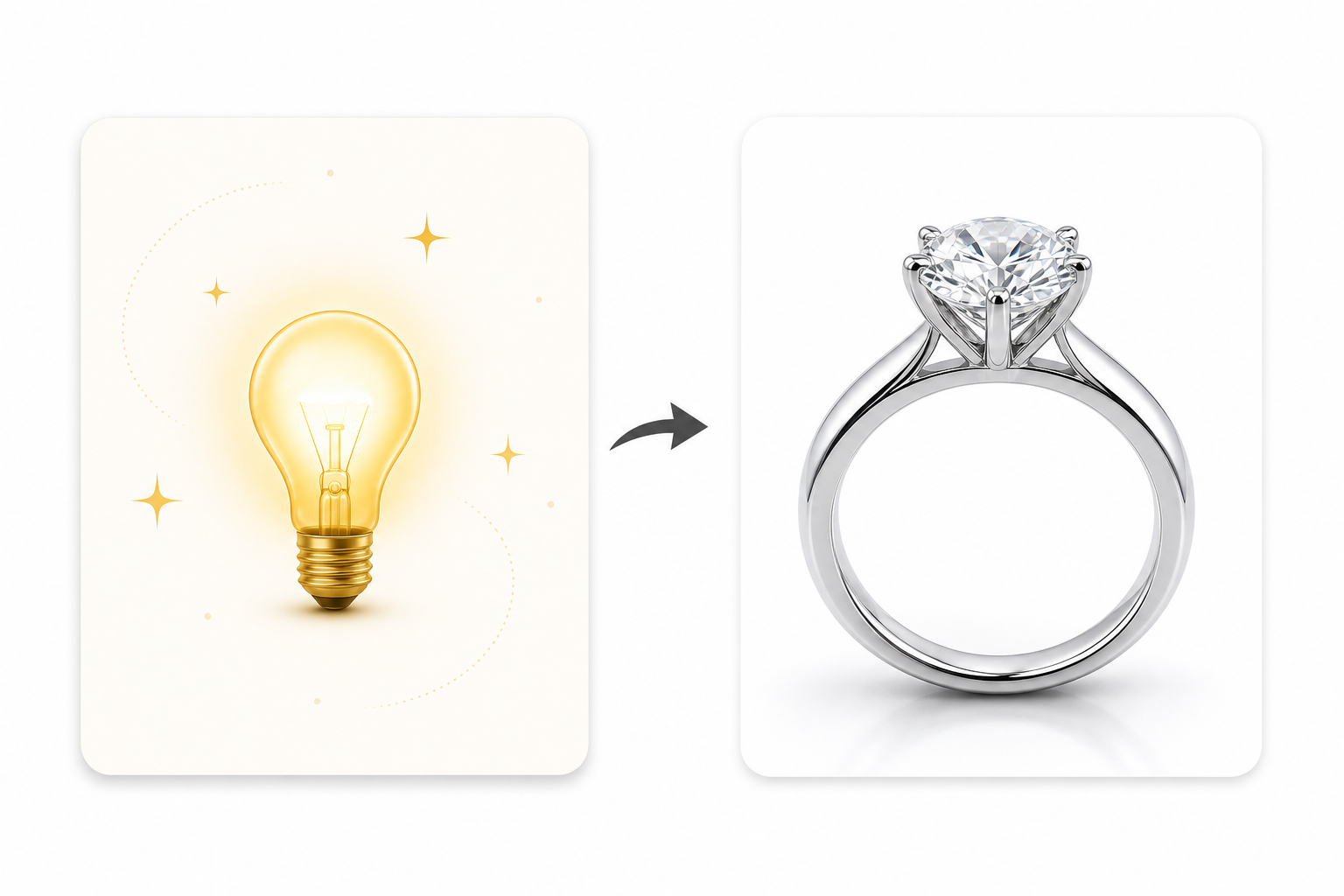 New design
Most used
Describe an idea, get a photoreal render
New design
Most used
Describe an idea, get a photoreal render
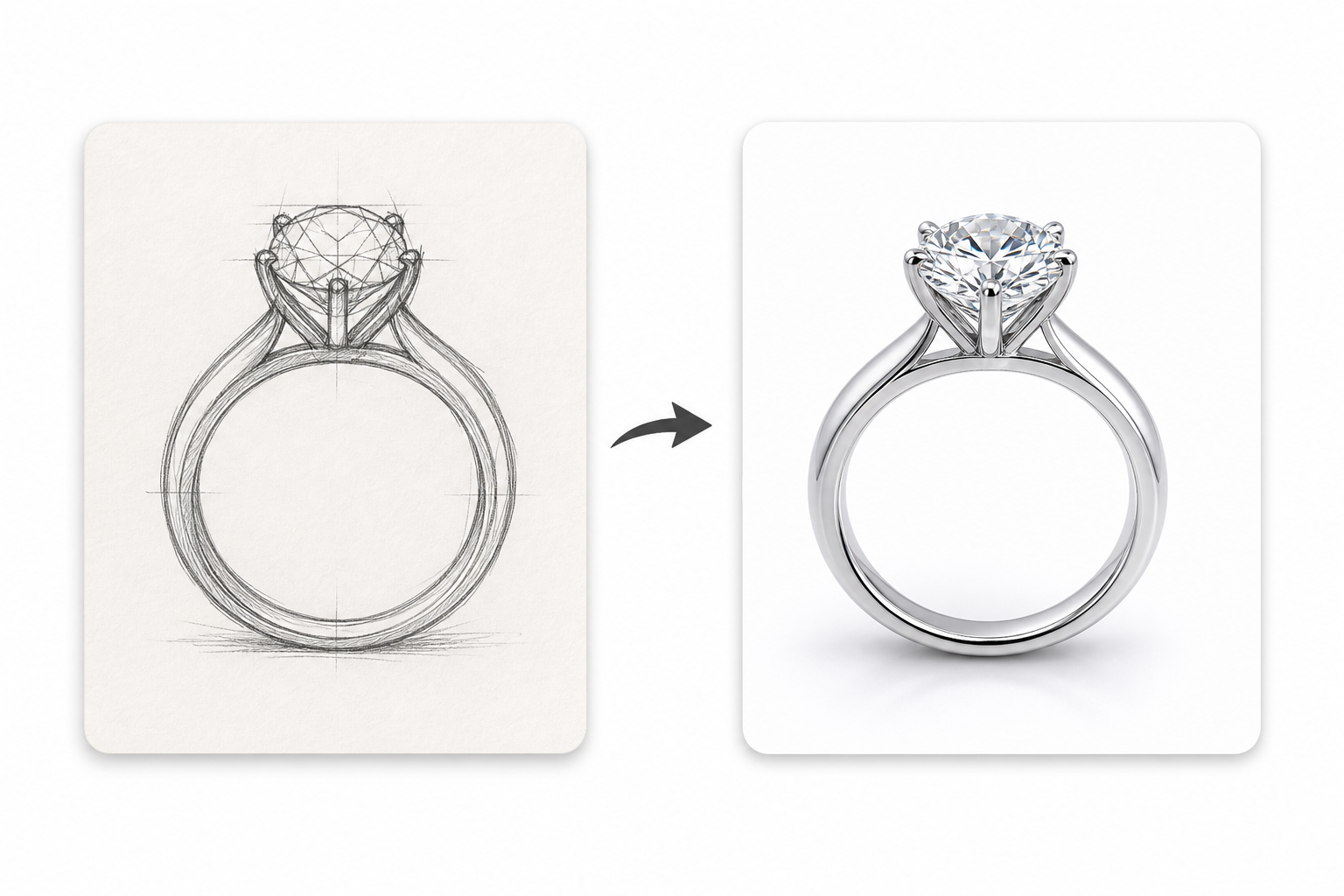 Sketch to render
New
Scan a drawing, render it in metal
Sketch to render
New
Scan a drawing, render it in metal
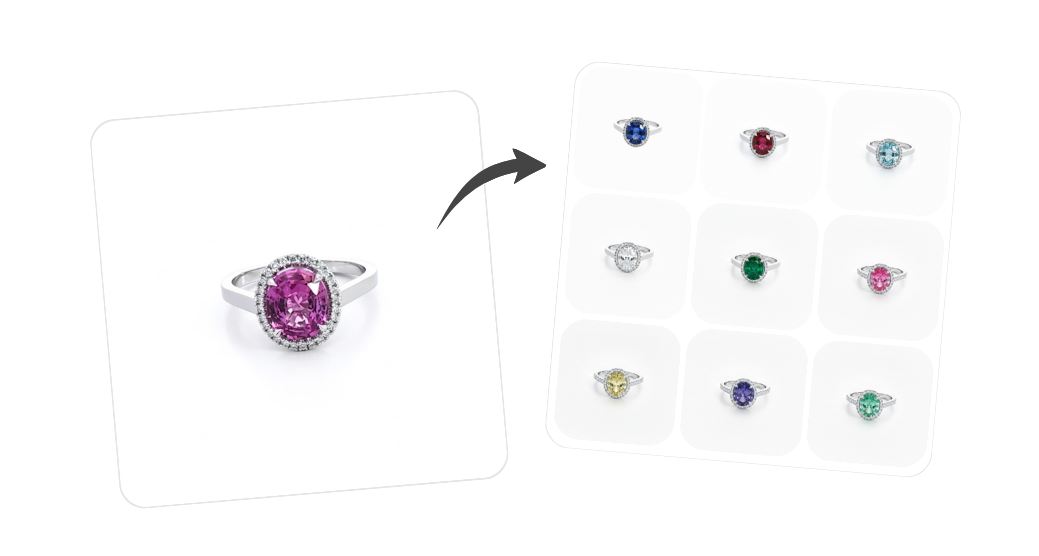 Jewelry variants
Same piece, other metals, stones, and cuts
Jewelry variants
Same piece, other metals, stones, and cuts
Style it for marketing
Put the finished piece into a scene.
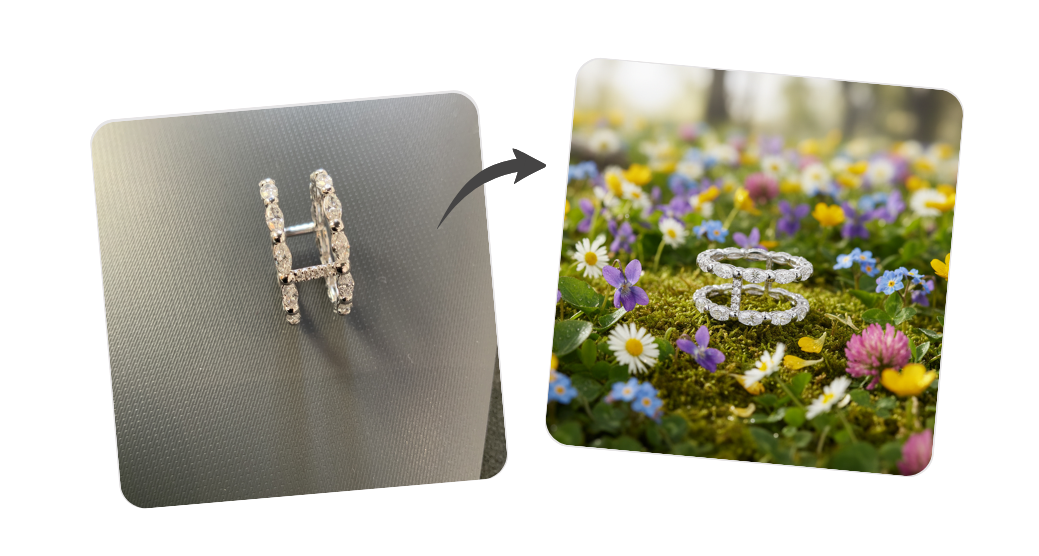 Creative inspiration
Editorial scenes for a campaign look
Creative inspiration
Editorial scenes for a campaign look
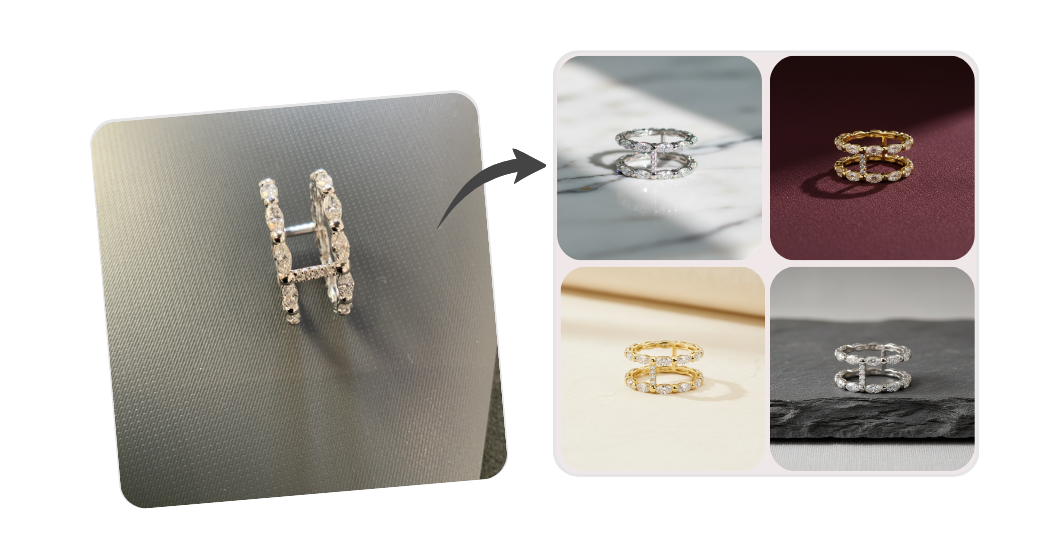 Natural backgrounds
Stone, fabric, or foliage backdrops
Natural backgrounds
Stone, fabric, or foliage backdrops
Prep it for your store
Clean up and package it for selling.
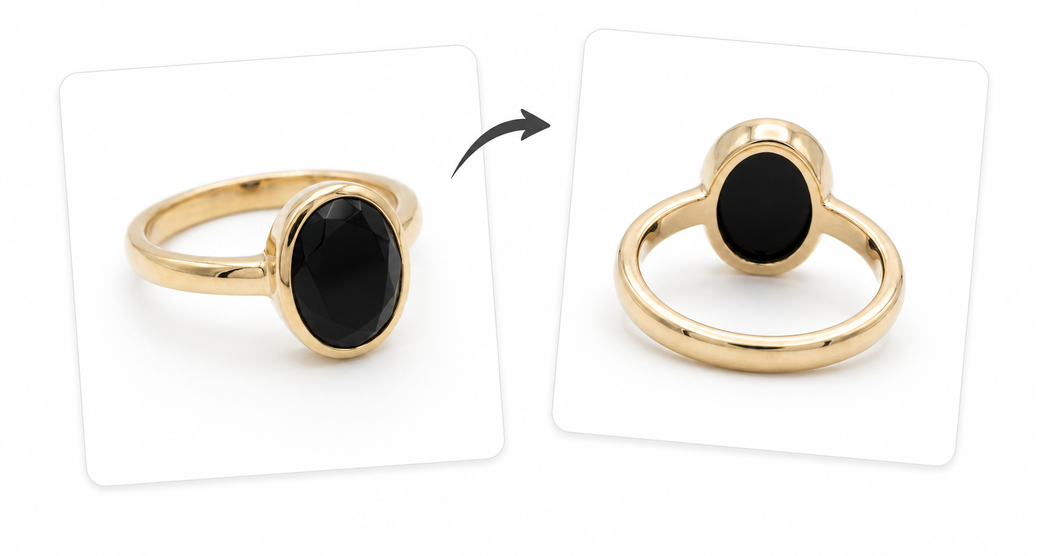 Change angle
Re-shoot the same piece from another angle.
Change angle
Re-shoot the same piece from another angle.
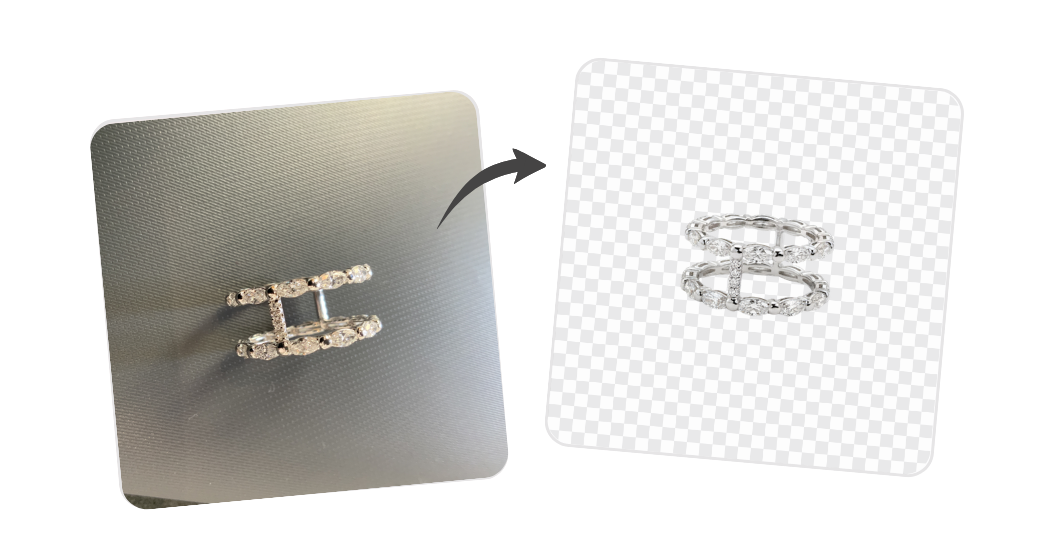 Background removal
Cut out or replace the background.
Background removal
Cut out or replace the background.
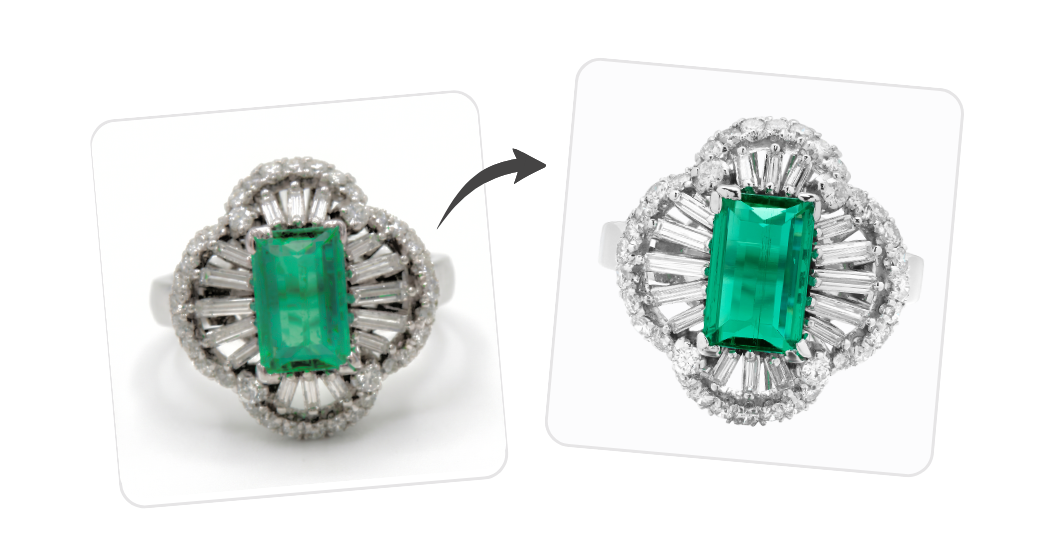 Image enhancement
Sharpen, brighten, and upscale a photo.
Image enhancement
Sharpen, brighten, and upscale a photo.
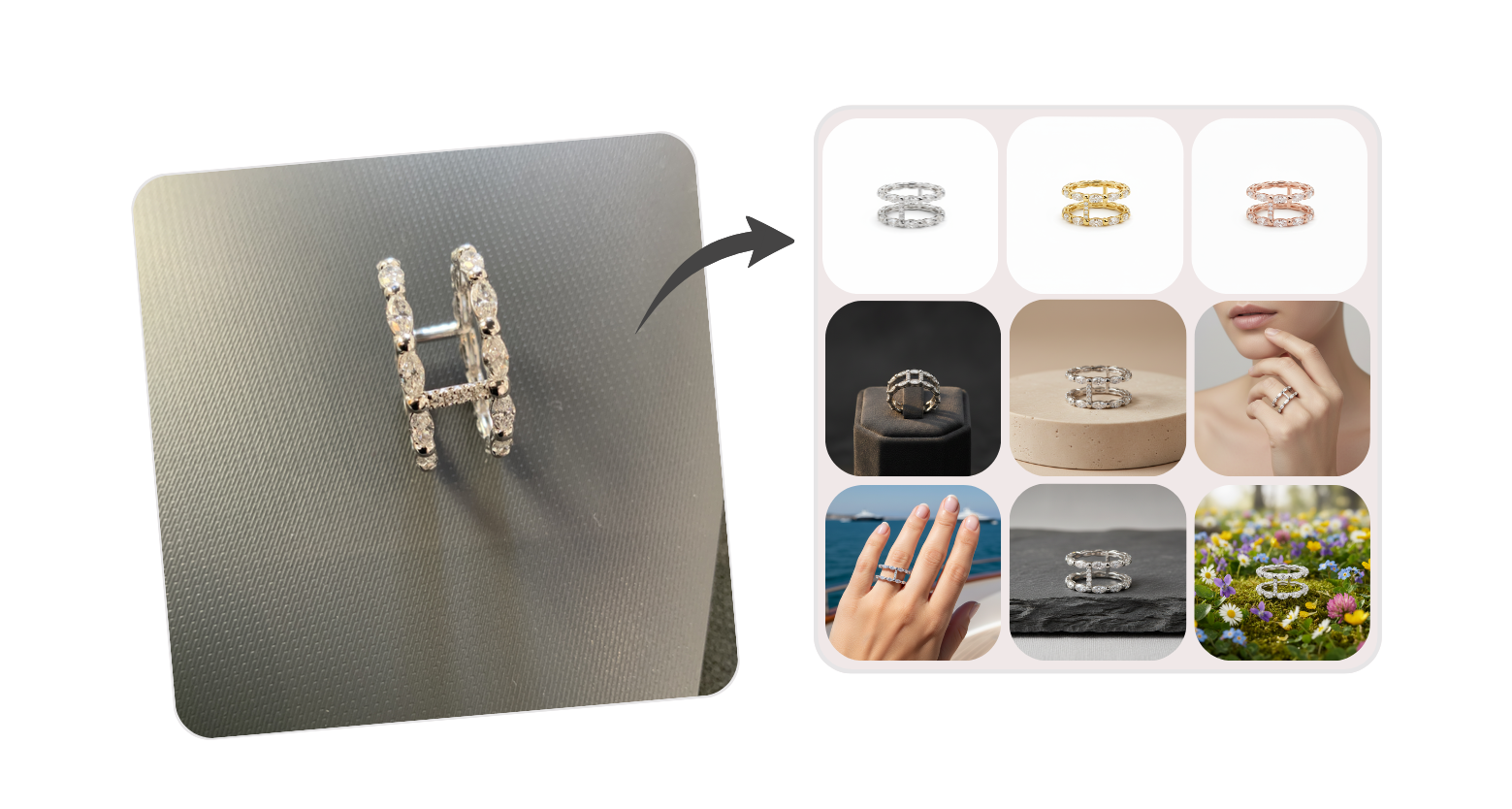 Product page pack
A full set of shop-ready images, fast.
Sell it in Gem Logic
Stock, prices, labels and POS for the whole shop
Product page pack
A full set of shop-ready images, fast.
Sell it in Gem Logic
Stock, prices, labels and POS for the whole shop